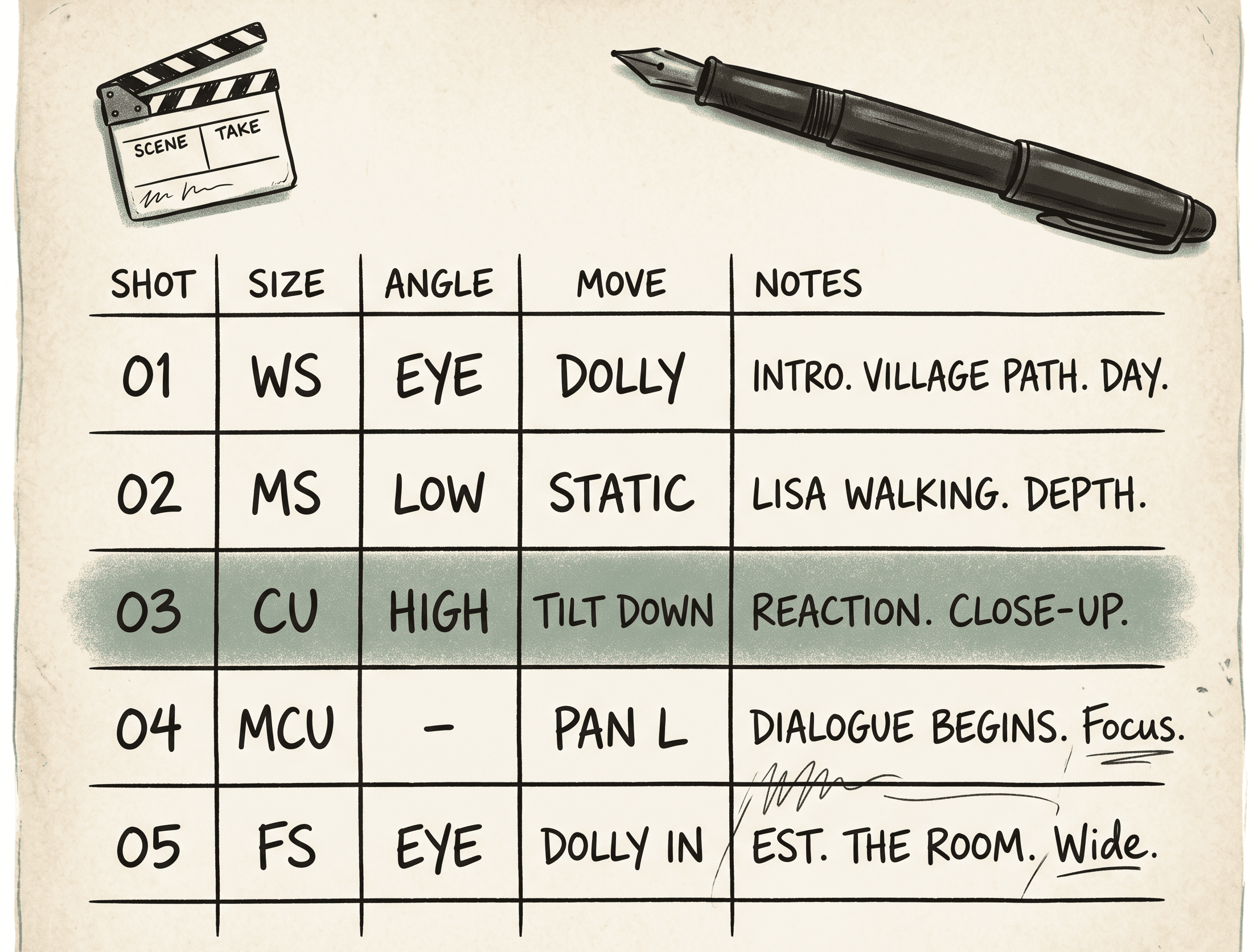
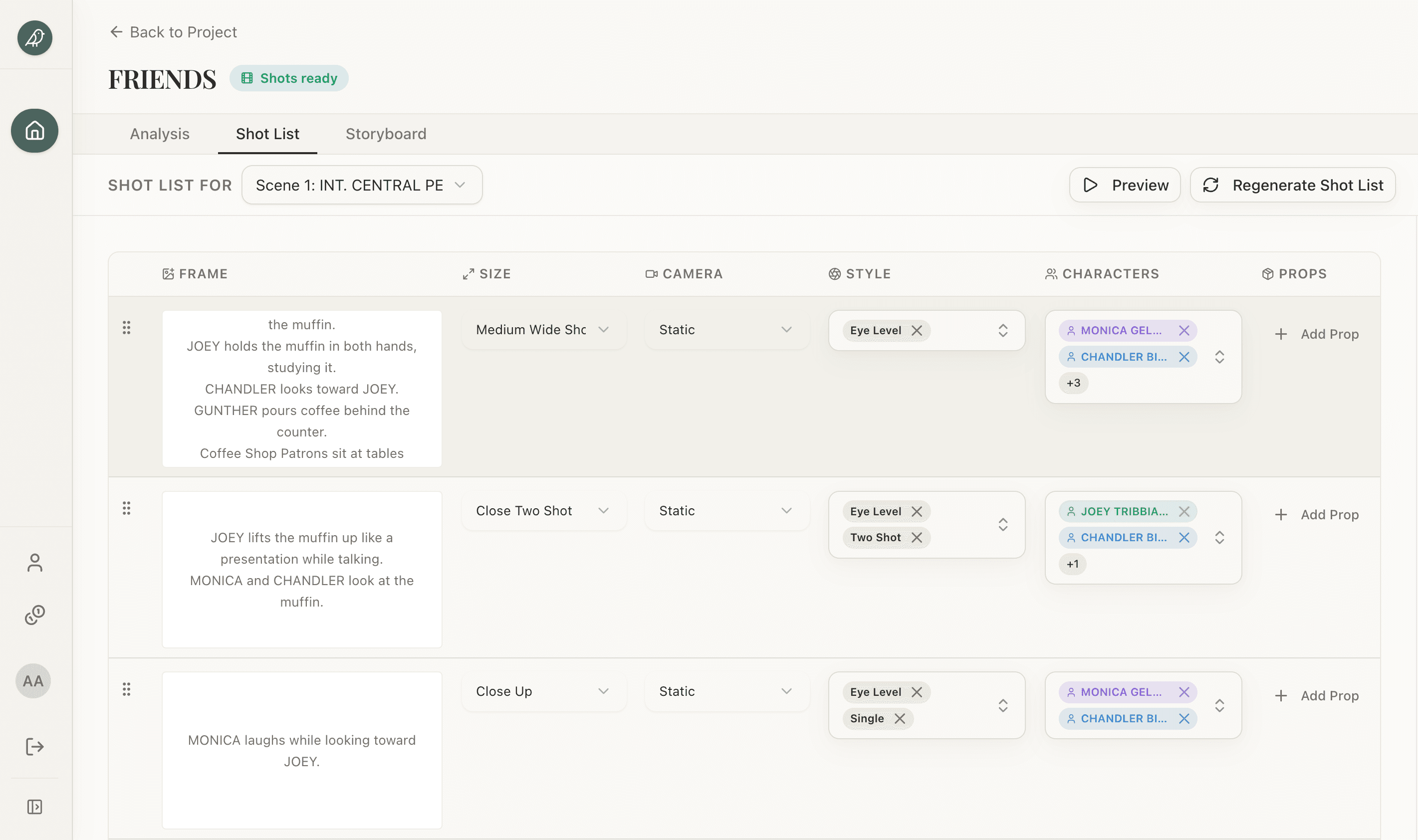
A shot list is a table with one row per shot. That's it. The columns are well-known and the vocabulary is small. The reason most shot lists fail isn't that the format is hard — it's that directors skip rows that turn out to matter on set.
The columns that earn their keep:
- Scene number — matches the slug-line in the production draft. Use the locked numbering. Renumbering mid-prep ruins half of pre-production overnight.
- Shot number — sequential, scene-scoped (1, 2, 3 within scene 4A). Sometimes spelled 4A-1, 4A-2 to lock the scene context.
- Shot size — the standard taxonomy. WS / MS / CU / ECU / two-shot. Your DP knows it; don't invent your own.
- Angle — eye-level, high, low, dutch, top-down, POV. Default to eye-level when unspecified; flag the others.
- Movement — static, pan, tilt, dolly, crane, handheld, gimbal. Specify direction ("dolly in," "pan left"). "Movement" without direction is a question to be answered on the day, badly.
- Lens hint — 24mm / 50mm / 85mm, or descriptive (wide / normal / telephoto). The DP usually owns this column; you put a hint, they refine on the day.
- Action — one sentence describing what's in the shot. Reference character names from the screenplay. Skip adjectives.
- Dialogue / audio — the line(s) covered, music cues, sound design notes. Helps the editor know where this shot lives in the cut.
- Notes — anything else. Continuity callouts, props, lighting cues. Keep it short.
That's nine columns. Most working shot list templates use this layout because it fits on A4 landscape and a 1st AD can read the whole row without scrolling. If you're filling the shot list template by hand, the columns are already laid out — paste each row from your generated list into the matching column.
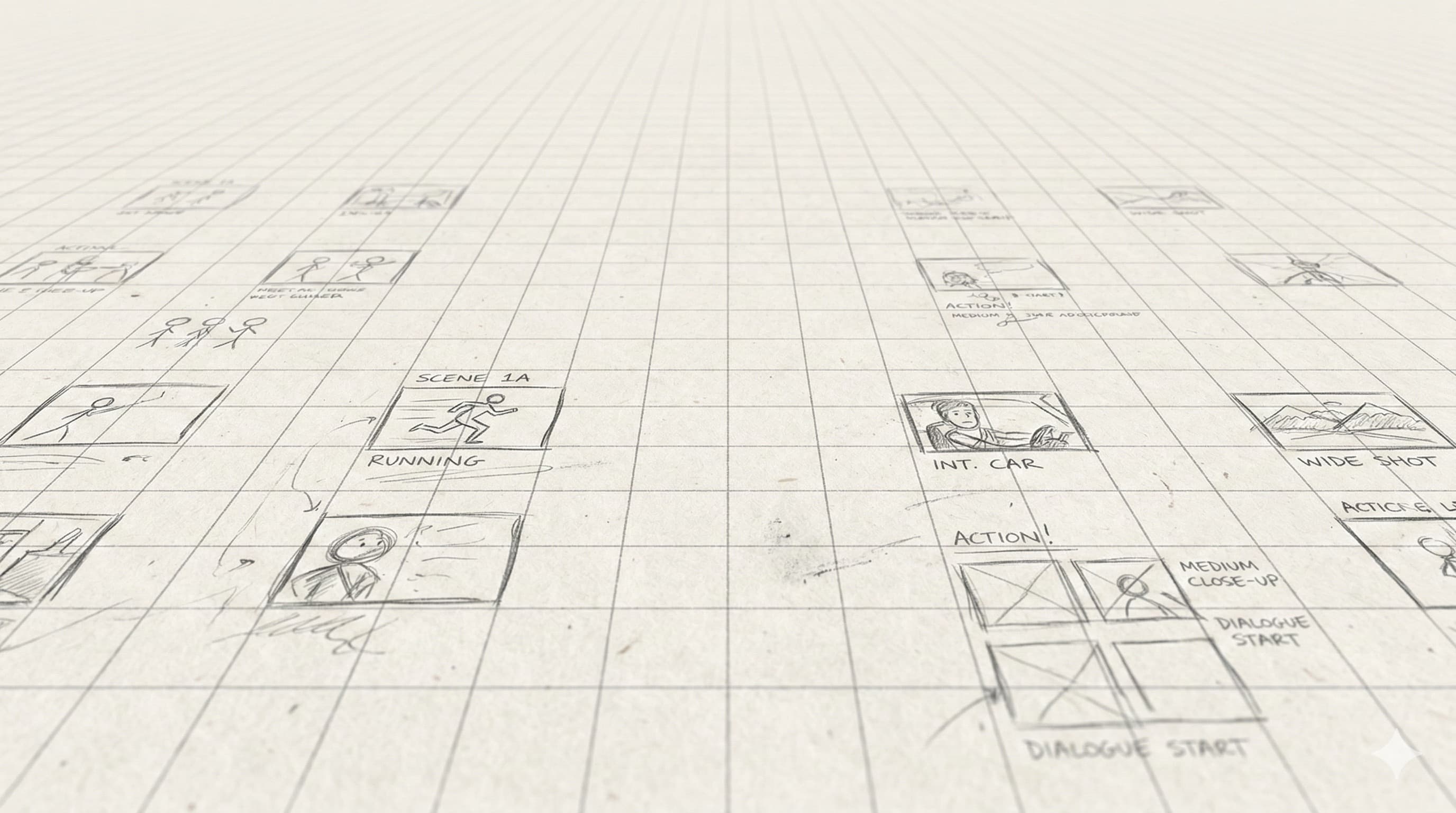
The shot list and the storyboard answer different questions. The shot list answers "how do we capture this?" The storyboard answers "what does the camera see?" Most professional shoots use both. If you only ship one, ship the shot list — the boards can be sketched on the day; the shot list can't.
Most directors writing their first shot list start in a spreadsheet. There's nothing wrong with that. Spreadsheets are fine. The problem is that turning a 30-page screenplay into 120 rows of shot list, by hand, is six to eight hours of work — and the first version is always wrong. You shoot the first scene and realize you missed coverage; you re-cut the scene mentally and rewrite the next 30 rows.
The math on AI shot-listing isn't "AI does the work, you don't." It's "AI does the first pass, you focus on the decisions." Here's what changes:
| Step | By hand | With AI |
|---|
| First-pass rows | 6–8 hours for a 30-page script | 1–3 minutes |
| Vocabulary consistency | Drifts as you tire | Locked across the whole list |
| Re-runs after rewrites | Re-do affected scenes by hand | Re-run the analysis; diff the changes |
| Coverage instinct | Develops with experience | Steady baseline; you steer with notes |
| Final list quality | Yours, end-to-end | Yours after editing the AI pass |
The AI doesn't have your taste. A first-pass shot list from AI will be technically correct and creatively bland — competent coverage that doesn't surprise anyone. That's what you want as a starting point. The list exists to be edited; you're going to break the rules on purpose for the scenes that earn it.
The other thing the AI gives you that hand-writing doesn't: a director's note steers the whole list at once. "Lean handheld for the chase, lock down the dinner scene" produces a list where the chase rows have handheld in the Movement column and the dinner rows are static. Going back to change Movement on 40 rows of a hand-written list is the kind of revision most directors skip — which is how shot lists end up with half-considered camera moves.
The blog has a deeper dive on this if you want the long version: how to create a shot list covers the underlying craft, including when to override the standard taxonomy.
The generated list is not the final list. It's a starting set of rows with a defensible camera language and accurate metadata. Your job is to make it yours.
The edits that matter most, in order:
Coverage decisions. Are there enough singles? Too many wides? Did the AI generate three OTSs when one is plenty? Coverage choices are a director's signature; the AI gives you a competent default, and you override it. Most directors cut 10–20% of the generated rows and rewrite another 20%.
Shot size and angle. The AI defaults to safe choices — eye-level, medium, static. Push it. The third shot of a dialogue scene is rarely a medium two-shot; it's a low-angle single on the character about to lie. Mark the moments that should land hard and rewrite those rows.
Movement. The AI under-uses camera movement because static shots are safer to recommend. If you want a piece to feel kinetic, sweep through the movement column and replace static with the move that matches each beat.
Blocking. The generator describes where the characters and camera sit in each shot. Tighten the lines that matter — "MARIA crosses to the window, camera holds" ends the day-of argument about who moves and who doesn't. It's also where a one-line note about why a shot exists ("masks the door reveal for scene 14") earns its keep.
Once the list reads the way you want, export it to a print-ready PDF from the project and send it to your DP and AD. They'll come back with their own edits — that's the loop. The shot list is a living document until the day before the shoot.
Editing one row at a time is table stakes. The part that saves a prep week is reshaping coverage structurally — the revisions a hand-built list makes so painful that most directors quietly skip them.
Merge. You generated three over-the-shoulders where a master and a single will cut. Select them, add a note like "collapse to one wide master," and combine them into a single shot. Fewer setups, same story.
Split. A shot you wrote as one beat turns out to hold two — the reaction and the decision. Split it so each gets its own row, its own frame, and its own attention on set.
Reorder. List in story order for the read; the AD groups by setup for the shoot. Move rows around without renumbering by hand.
Regenerate a scene. Rewrite a scene and the old coverage is stale. Re-run that one scene and merge the diff instead of hand-patching around the change — the AI generates rows from the script it sees, not the one on your laptop.
This is the line between a generator and a copilot. A generator hands you a list and walks away; the revisions are where the shot list actually becomes yours. Every row also links back to the screenplay line it came from, so you can always trace why a shot exists.